

Recent
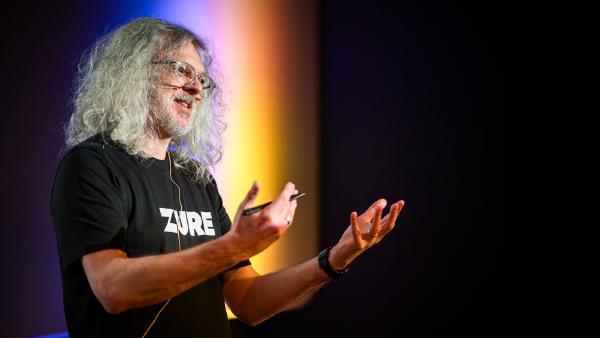
Speaking at SQLBits 2015
We’re only half way through January and this year is already busy. I am really excited to be speaking at SQLBits this year!
SQLBits is a conference that various members of the Black Marble team attend regularly and rave about. It’s the event if you want to gain knowledge and insight into all aspects of databases and data management, reporting, BI and more. Microsoft are a platinum sponsor of the event this year and a whole heap of big names are flying in to present.
Want to know what’s going on? Come to the Black Marble Tech Update
It’s January, which can only mean one thing. It’s time for the annual Black Marble Tech Update. If you’re an IT or development manager, come along to hear the stuff you need to know about Microsoft’s releases and updates last year and what we know so far about what is coming this year.
Why you should attend a Microsoft IT Camp
I’ve posted before about helping out at the IT Camps run by the Microsoft DX team. I’m a fervent supporter of them – they are hands-on days of technical content run by great people who know their stuff and, importantly, they are run around the country.